

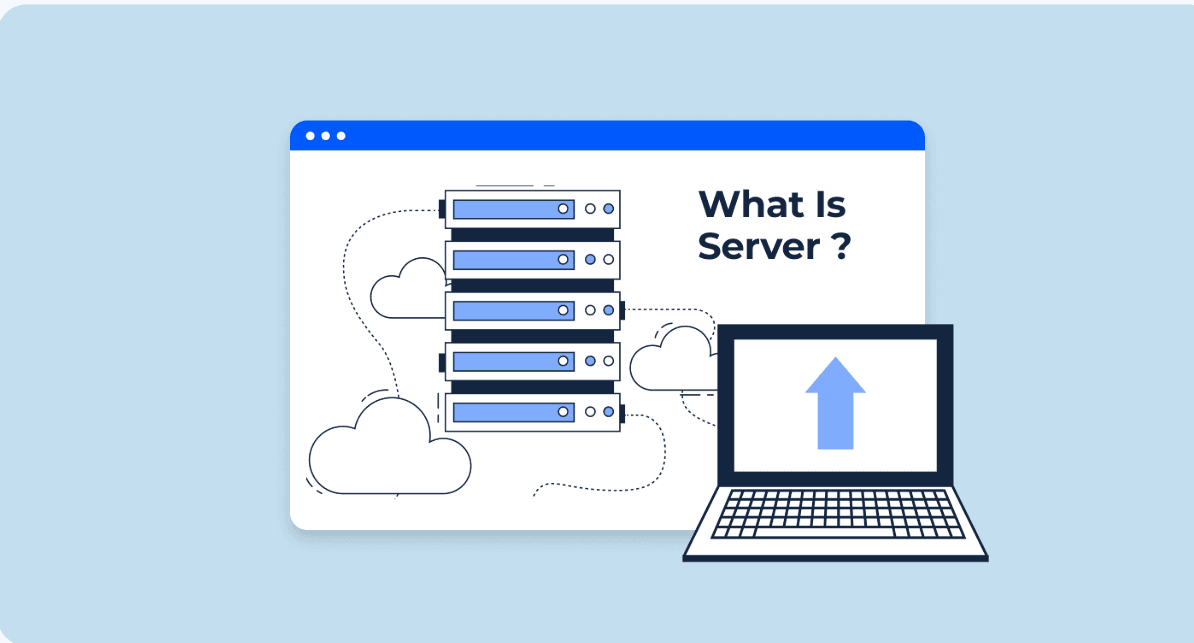
What is a Server and How Does It Work?
What is a Server?
Have you ever wondered what happens behind the scenes when you open a website, stream a movie, or send a message online?
All these activities involve servers.
The word "server" may sound complicated, but the basic idea is actually simple. Let's understand it with an easy real-life example.
The Best Way to Understand a Server: Restaurant Example
Imagine you are sitting in a restaurant.
- Customer (Client): You place an order.
- Waiter: Takes your order to the kitchen.
- Kitchen (Server): Receives the order, processes it, and prepares the food.
- Food (Response): The prepared food is given back to you.
The same concept applies to the internet.
When you open a website, your computer or phone acts as the client. It sends a request to the server asking for the website.
The server receives the request, processes it, and sends the required information back to your device.
Client
↓
Request
↓
Server
↓
Process Request
↓
Response
↓
Client
Definition of a Server
Now that we understand the basic idea, let's look at the technical definition:
A server is a computer or software that listens for requests from clients, processes those requests, and provides the required data or service.
In simple terms:
Client sends a request → Server processes it → Server sends a response.
What Exactly is a Server?
A server can refer to both hardware and software.
1. Server as Hardware
A server can be a physical computer designed to run applications, store data, and handle multiple requests.
Servers are usually kept in special facilities called data centers, which provide reliable power, cooling, storage, and network connectivity.
2. Server as Software
A server can also refer to software that listens for incoming requests and provides a particular service.
For example, a web server receives requests from web browsers and sends website resources such as HTML, CSS, JavaScript, and images back to the browser.
So, when we use the word server, it can refer to the physical machine, the software running on it, or the combination of both, depending on the context.
Common Types of Servers
Servers can perform different jobs. Here are some common types:
Web Server
A web server handles requests for websites and delivers website resources to browsers.
Mail Server
A mail server handles sending, receiving, and storing emails.
File Server
A file server provides a central place to store, share, and access files over a network.
Game Server
A game server manages multiplayer game sessions and helps players interact in the same virtual environment.
How Does a Server Work?
The basic working of a server can be understood in three steps:
1. Request
The client sends a request to the server.
2. Processing
The server receives the request and performs the required operation.
3. Response
The server sends the requested data or result back to the client.
Your Device
↓
Request
↓
Server
↓
Processing
↓
Response
↓
Your Device
For example, when you enter a website address in your browser, your browser sends a request to the appropriate server. The server processes the request and sends the required website data back to your browser.
Why Are Servers Important?
Servers are an important part of modern applications and the internet because they allow us to:
- Host websites and applications
- Store and manage data
- Handle user requests
- Provide services to multiple users
- Share files and resources
- Run backend applications
In Simple Words
Think of a server as a service provider.
Whenever your device needs something from another computer, it sends a request. The server receives the request, performs the required work, and sends the result back.
Client → Request → Server → Processing → Response → Client
Let’s Recap
So, now we have a basic understanding of what a server is, how it works, and why servers are important in our daily use of the internet.
Servers work behind the scenes whenever we visit websites, use applications, send messages, access files, or store data online.
Understanding the basics of servers helps us get a better idea of how applications and websites work behind the scenes.
Comments