

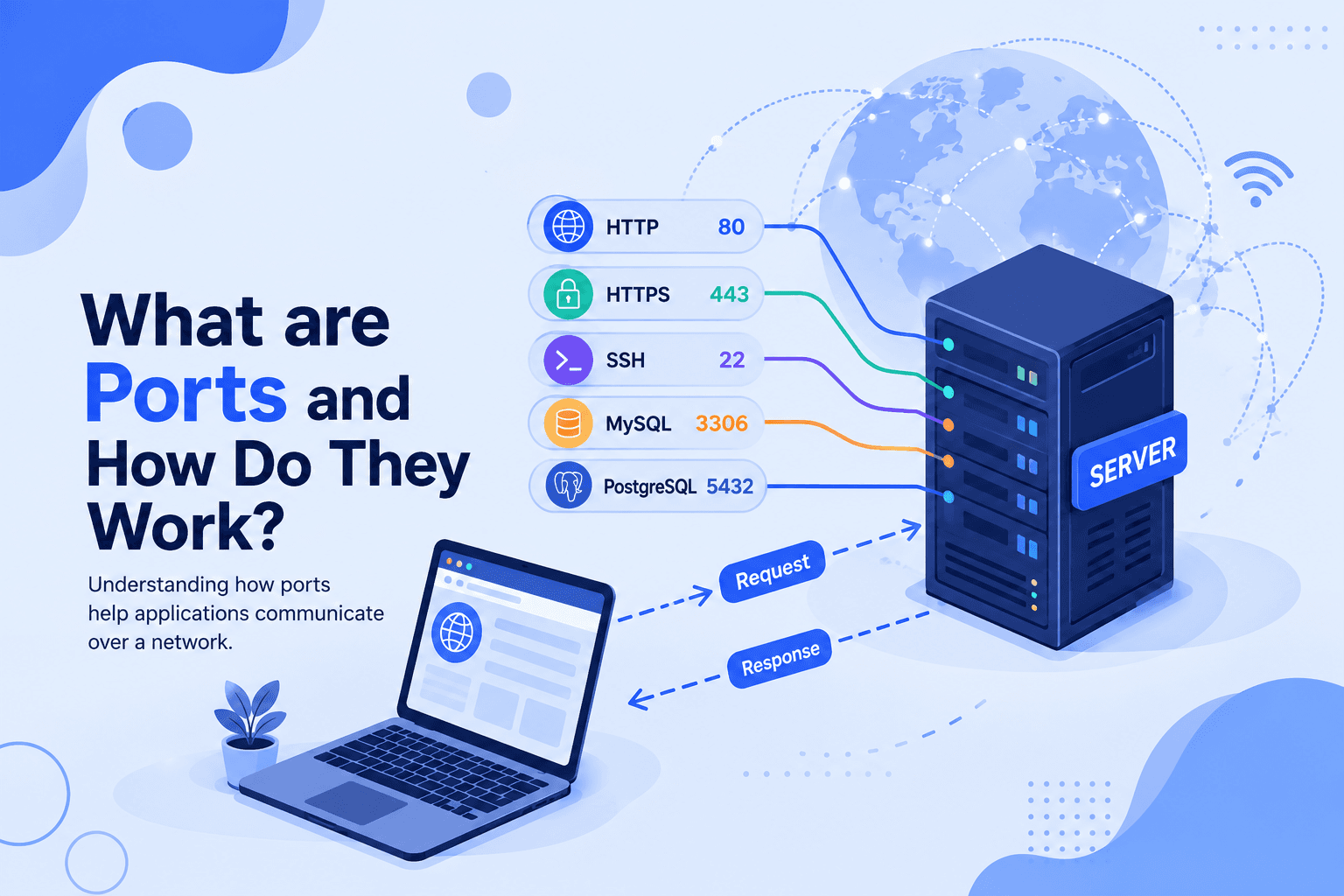
What are Ports and How Do They Work?
When a device communicates with another computer over a network, we already know that an IP address helps identify the device.
But what if that computer is running many different applications or services?
How does the incoming request know which application it should go to?
This is where ports come in.
Let's understand ports in a simple way.
What is a Port?
A port is a logical number used to identify a specific application or service running on a device over a network.
Think of an IP address as the address of a building, while a port number is like the room number inside that building.
For example:
So:
IP address tells us which computer to reach, while the port tells us which application or service to communicate with.
🏢 Simple Example: Building Analogy
Imagine a large office building.
- Building address → IP address
- Room number → Port
- Person/company in the room → Application or service
If someone knows only the building address, they know where to go, but they still need the room number to reach the correct person.
Similarly, a computer can run many services at the same time, so ports help direct network traffic to the correct service.
What Does a Port Number Look Like?
Port numbers are numbers ranging from 0 to 65535.
For example:
Here:
localhost→ your computer8000→ port number
The :8000 tells the computer that the application is running on port 8000.
Port Example with Django
When we run a Django development server, we commonly see:
Here:
127.0.0.1→ IP address8000→ port number
So the browser connects to your computer through port 8000 to access the Django application.
Common Port Numbers
Different applications and services commonly use different port numbers.
| Port | Common Use |
|---|---|
| 22 | SSH |
| 80 | HTTP |
| 443 | HTTPS |
| 3306 | MySQL |
| 5432 | PostgreSQL |
| 8000 | Common Django development port |
These are common defaults, but applications can sometimes be configured to use different ports.
How Do Ports Work?
When an application wants to communicate over a network, it can use a specific port.
For example:
The operating system uses the port number to help deliver the incoming network traffic to the appropriate application or service.
For example, if a request comes to:
the IP address identifies the computer, while 8000 identifies the port where the application is listening.
IP Address vs Port
It is important not to confuse an IP address with a port.
| IP Address | Port |
|---|---|
| Identifies a device/interface | Identifies an application/service endpoint |
Example: 192.168.1.10 | Example: 8000 |
| Helps locate the destination | Helps direct traffic to the right service |
Together, they can look like:
IP address + Port = Network endpoint
What About Port 80 and 443?
When you visit a website, you may not see a port number in the browser.
For example:
HTTPS normally uses port 443 by default.
Similarly, HTTP normally uses port 80.
Because these are standard ports, browsers usually don't require you to type them manually.
Why Are Ports Important?
Ports allow a single computer to run multiple network services at the same time.
For example, the same server could have:
Each service can listen on its own port.
In Simple Words
Think of it this way:
IP address = Which computer?
Port = Which service?
For example:
So, ports help the operating system know where network traffic should go once it reaches a computer.
Final Thoughts
So, now we have a basic understanding of what ports are, why they are needed, how they work, and how they are used by applications and services.
Ports are an important part of networking because they allow different applications and services to communicate over the same computer and network.