

Top 8 AI app builders in 2026
Top 8 AI app builders
Some AI app builders work best for quick prototypes, while others can handle complex business applications that serve thousands of users. The platform that makes sense for you depends on what you’re building and how much coding you want to do yourself. Here’s a look at a handful of options:
1. Anything
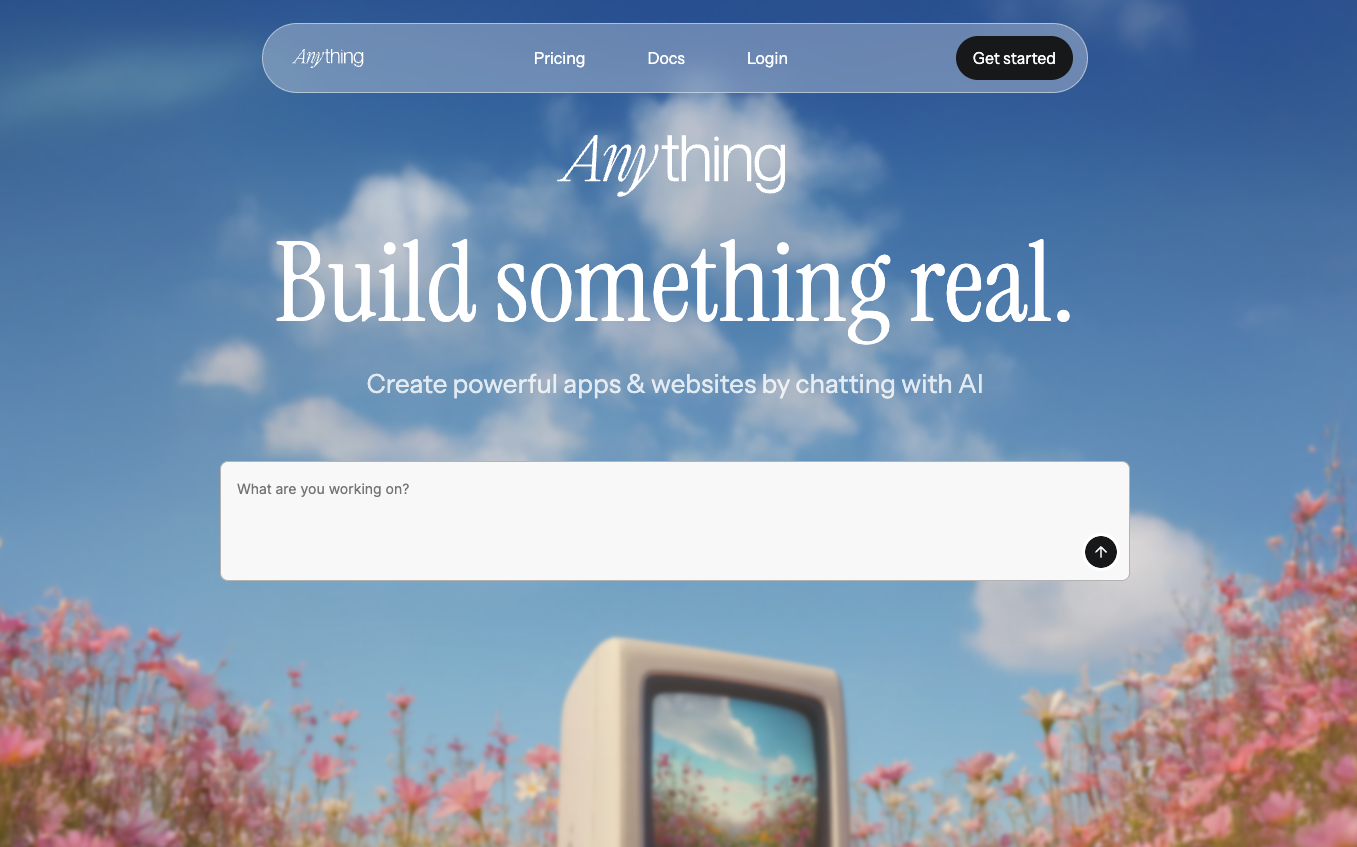
Anything is an AI app builder that produces applications and generates the code for developers. With its conversational interface, you can provide prompts to create a foundational application build and then it will create a mobile or web application using pages, reusable UI elements, backend logic for data processing and APIs, as well as user management and asset storage. It also has integrations with ChatGPT, Google Gemini 1.5, Claude 3.5 Sonnet, and more for AI-based feature creation.
Key features:
Automatic function creation for applications and back-end logic processes.
Style guide creation to help you choose from 20 pre-made professional style templates for consistent branding and project-wide styling.
AI integrations with models for feature creation, application design, PDF generation, maps, and other AI-powered features.
Thinking, Discussion, Debug, and Fast Mode to help you design your application depending on what components you’d like to focus on or query you want to solve.
Free: $0/month
Pro 20K: $16/month
Pro 50K: $40/month
Pro 100K: $80/month
2. Bolt
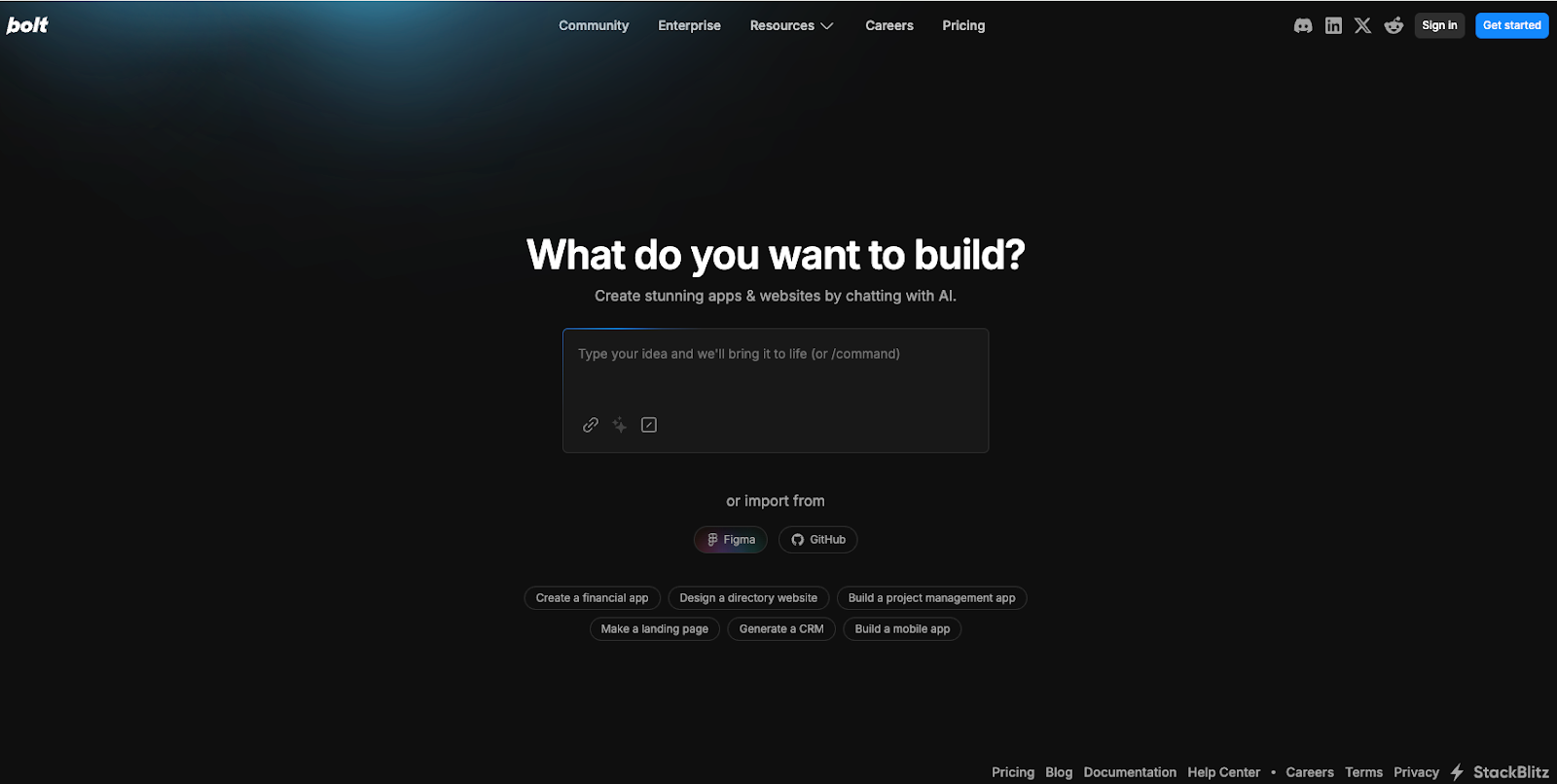
Bolt, from Stackblitz, is a browser-based IDE for websites, web apps, and mobile applications. It can generate these options through chat prompts and create full-stack JavaScript-based applications. You can bring your own prompt or have Bolt’s Enhance Prompt feature create a recommended prompt or add details to your original idea. Once Bolt generates your application and its code, you can access your prompt library or work in Discussion mode with Bolt AI to make changes and integrate features.
Key features:
Support for JavaScript-based web technologies, such as Node.js and JavaScript frameworks for browser-native code.
Integrations with Figma, Netlify, Supabase, GitHub, Expo, and Stripe for various application features such as design, databases, version control, and payments.
Community tutorials to help you create your first app, maximize token usage, and learn concepts around databases and authentication.
Free: $0/month
Pro: $20/month
Teams: $30/user/month
Enterprise pricing available upon request
3. Databutton
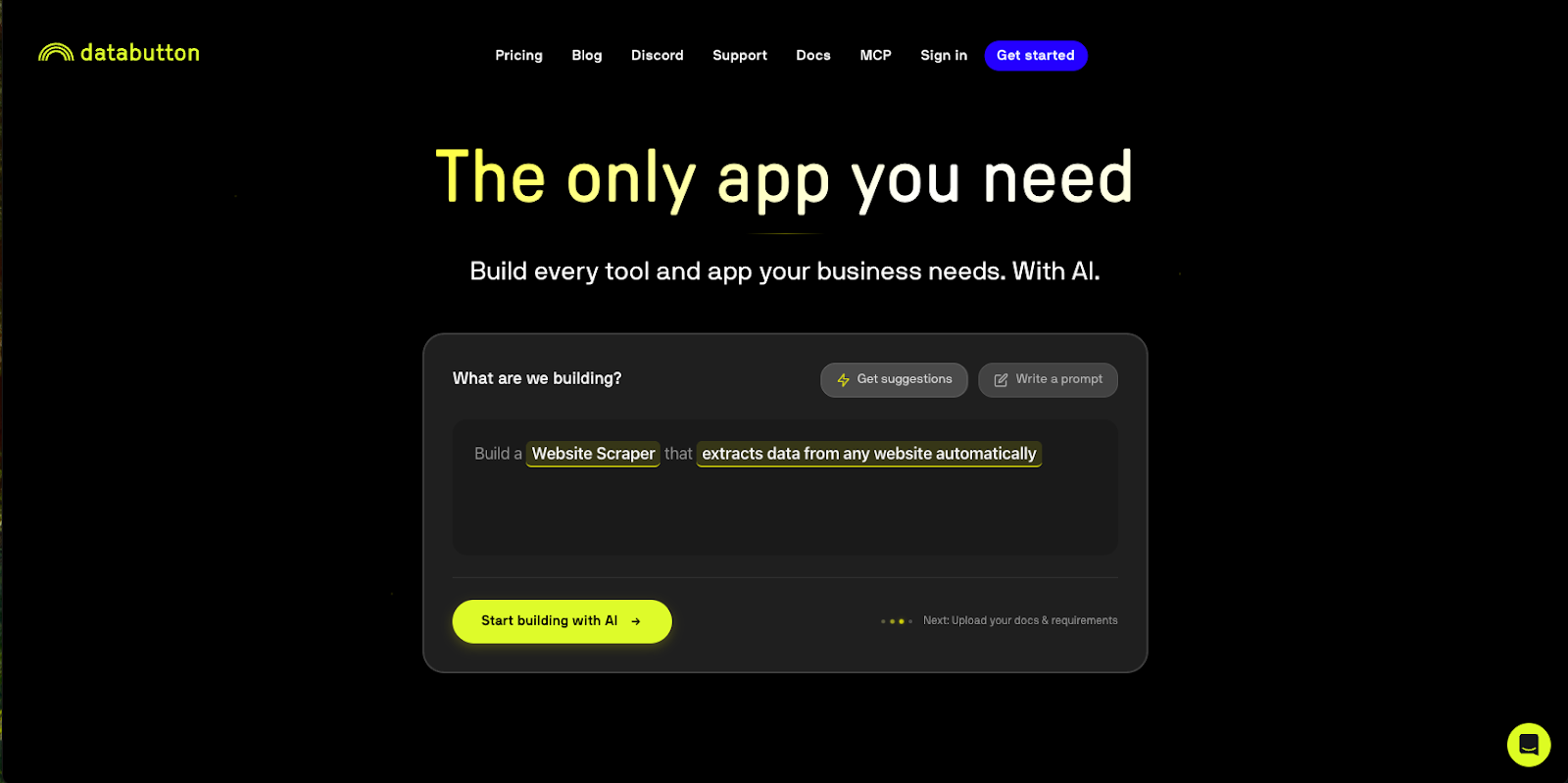
Databutton is designed to create full-stack business applications with language prompts and AI agents, acting as a collaborator throughout the app development process. Its builder lets you provide documentation, business requirements, and any design requirements. Its agents will then ingest this information, create files, write code, and finalize a first version of your application. You can then interact with the code through text prompts, edit application functions, and iterate with Databutton’s AI agent (which can provide code feedback and review).
Key features:
AI agent to help with code review, troubleshooting, and feedback.
“Start Task” button to have an agent review, think, and create code or complete a task for your web app, and provide feedback in the process.
Libraries that enable you to write reusable code for your application.
Data connectivity to build apps with your own datasets or connect to outside data sources.
Agent + Community: $20/month
Agent + Human support: $700/month
Agent + Human advisor: $4,000/month
4. Lovable
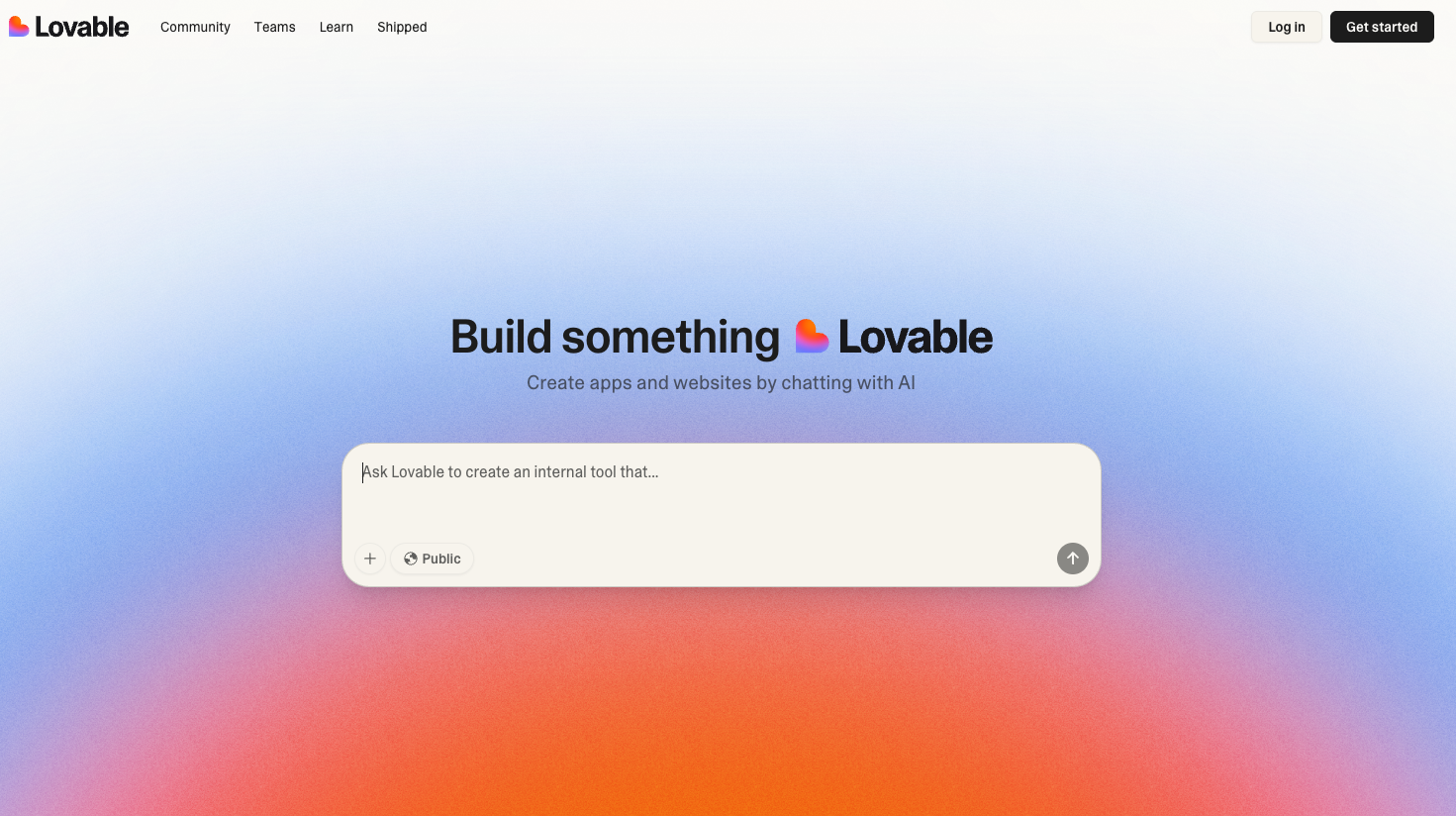
Lovable’s AI builder supports app, website, landing page, and analytics dashboard creation. For a low-code experience, you can use language prompts and its template library to get started and take inspiration from other development projects throughout the community. If you want a more hands-on AI development process, Loveable provides access to all generated frontend and backend code in its Dev Mode and provides features for full-stack development. You can also import design elements from Figma to ensure branding and design consistency.
Key features:
Template library and community shared projects to start projects or integrate community-created features into your application.
Integration with Figma to bring in design elements.
Access to code with Dev Mode for more technical development if required.
“Chat mode” allows you to edit and make updates to your design through language prompts instead of manually updating code.
Free: $0/month
Pro: $25/month
Business: $50/month
Enterprise pricing available upon request
5. Replit
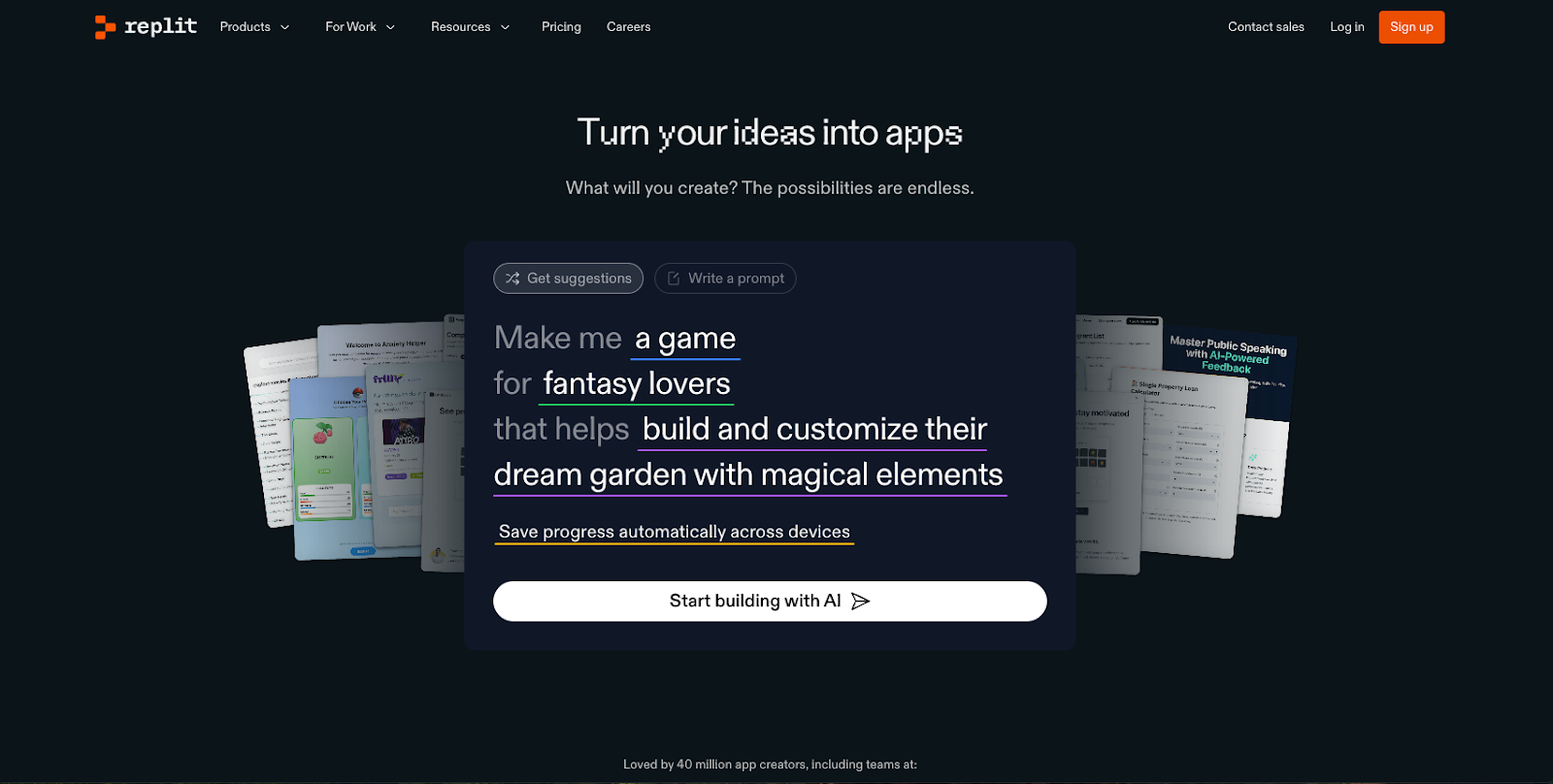
Using a vibe coding approach, Replit can help you create a website or an application through language prompts. You can either use its builder (available via web browser or mobile application) to get suggestions or write your own prompt to generate an application. The Replit Agent can create applications for all sorts of use cases, including business software, chatbots, and online shops. For design, you can import elements from Figma or use Replit’s Visual Editor to directly make changes to code and get instant visual previews. It also has integrations with AI models, authorization and payment software, analytics reporting, and data storage.
Key features:
Replit AI agent is available to help create your application through natural language prompts with Extended Thinking and High Power mode for more complex tasks.
Rollback feature to undo changes or see prompt history.
The instant visual preview feature shows any immediate design changes to your application as you create or integrate new design elements.
A built-in, fully managed database for persistent storage is available.
Free: $0/month
Replit Core: $20/month
Teams: $35/user/month
Enterprise pricing available upon request
6. Reflex
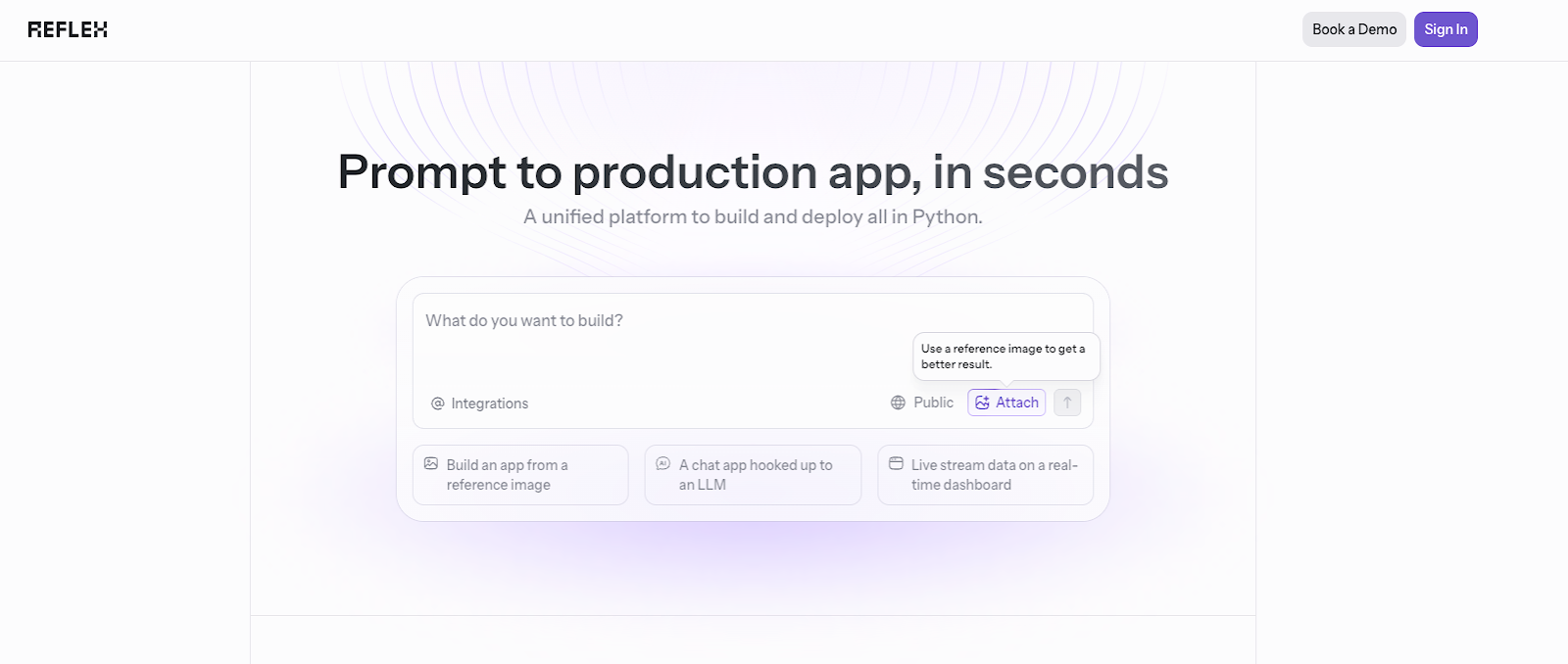
Reflex is an open source AI application builder designed to create production-ready Python applications. It provides Python full-stack development with auth, database, background tasks, and deployment built into the generated code. Geared towards more interactive data applications, you can also easily integrate it with any PostgreSQL, MySQL, or SQLite database. It also comes with an AI agent to help you review, edit, and collaborate on code development.
Key features:
Community template library available to provide inspiration or use built features as part of your project.
Code editor to access all your generated code and make any updates as needed, or work with the AI agent to update your code through prompts.
AI-optimized prompt templates for smarter prompting and optimized results, and an AI package installation manager.
Built-in API keys and tokens manager for increased security.
The Reflex application builder is open source and free to use. Reflex does offer Reflex Cloud for hosting options.
7. Softgen
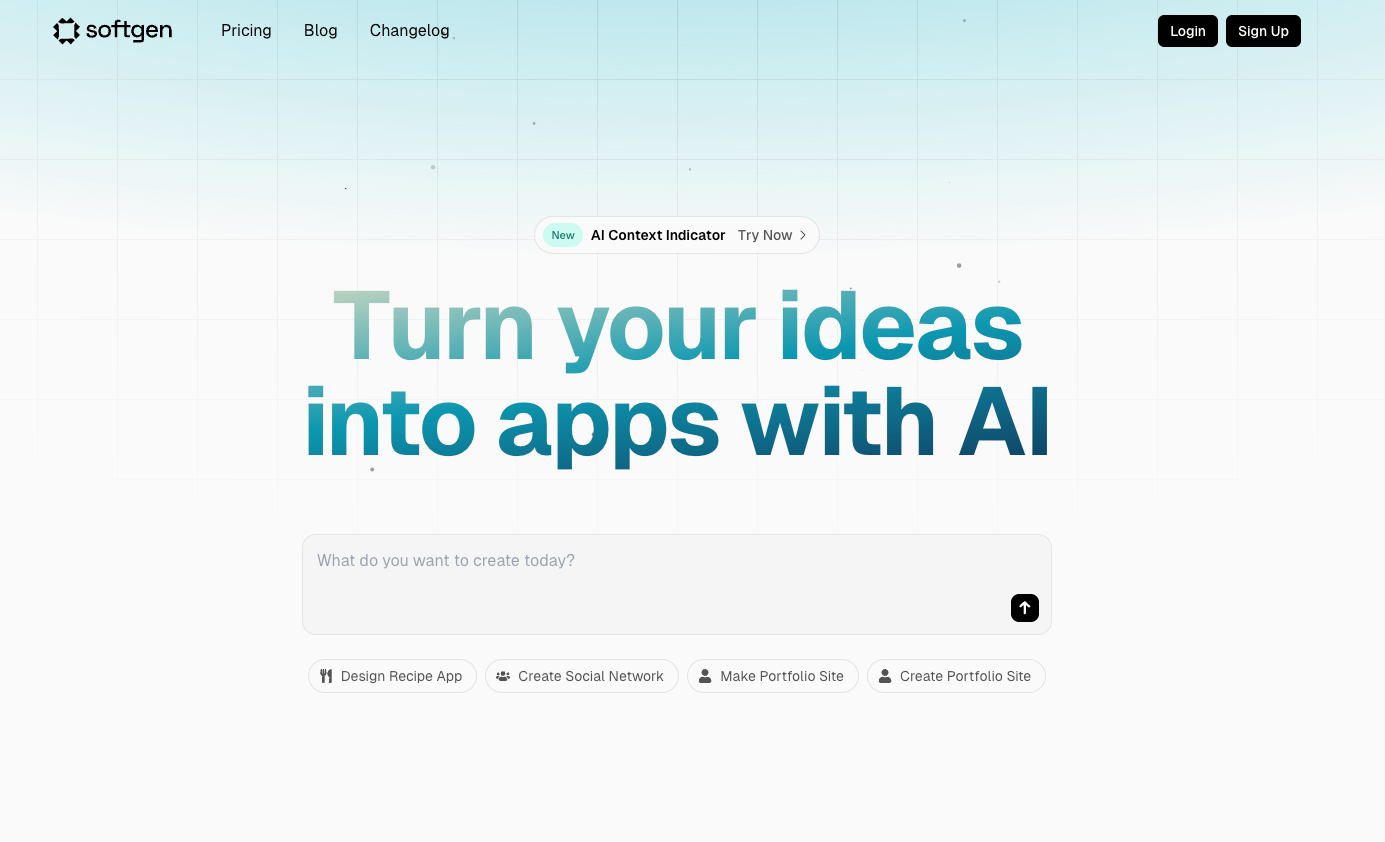
Softgen helps users build web applications from natural language prompts. Starting with a Next.js template, it will use your prompt to customize everything you’d like to include in your application. It will then generate frontend and backend code and connect any integrations to complete your application. You can then take the time to review and test your application as well as make any changes through language prompts.
Key features:
Cascade AI agent helps you refine your initial prompt and provide feedback for app generation as well as a development plan. The AI Dev assistant guides you through code review, feedback, and development.
Feature integrations for email blasts, payments, authentication, SEO feedback, and UI components.
Ability to export your code and retain ownership for 100% of your code.
Context window indicator that allows you to see available working memory for AI features and usage during development.
Free: $0/month
Entry: $25/month
Boost: $50/month
Fly: $100/month
8. Softr
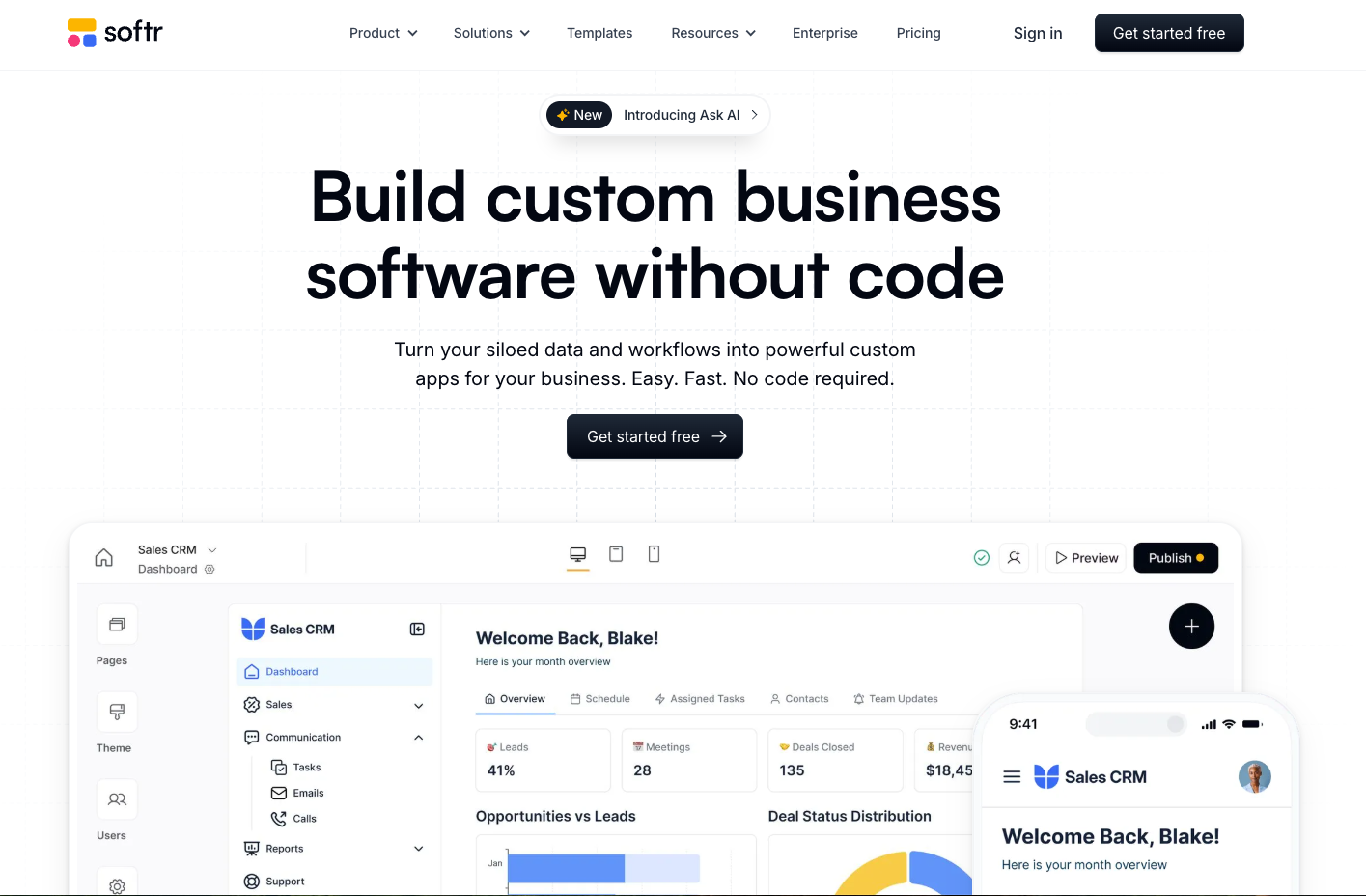
Softr is a no-code AI application builder that allows you to integrate your own data into custom applications. You can connect your data sources, define logic for functionalities and workflow visibility, drag and drop some design elements in place, and publish your application on desktop or mobile. You can also use its application generator to create a client portal, internal tool, directory, or membership platform via language prompts. For more robust app development, its app builder has features for workflow automation, mobile app conversion, an interface builder, database builder, and form creation.
Key features:
Drag-and-drop interface for application creation.
AI app generator available to create an application from language prompts.
Pre-built tool library for internal and customer facing features.
Large selection of available integrations for third-party applications.
Free: $0/month
Basic: $49/month
Professional: $139/month
Business: $269/month
Enterprise pricing available upon request
Comments