

lovable AI and Deep Dive into the Builder
What Is Lovable AI?
Lovable AI is a full-stack AI application development platform that generates real, editable source code from natural-language prompts. Unlike traditional no-code builders, Lovable focuses on producing production-ready codebases, not visual blocks.
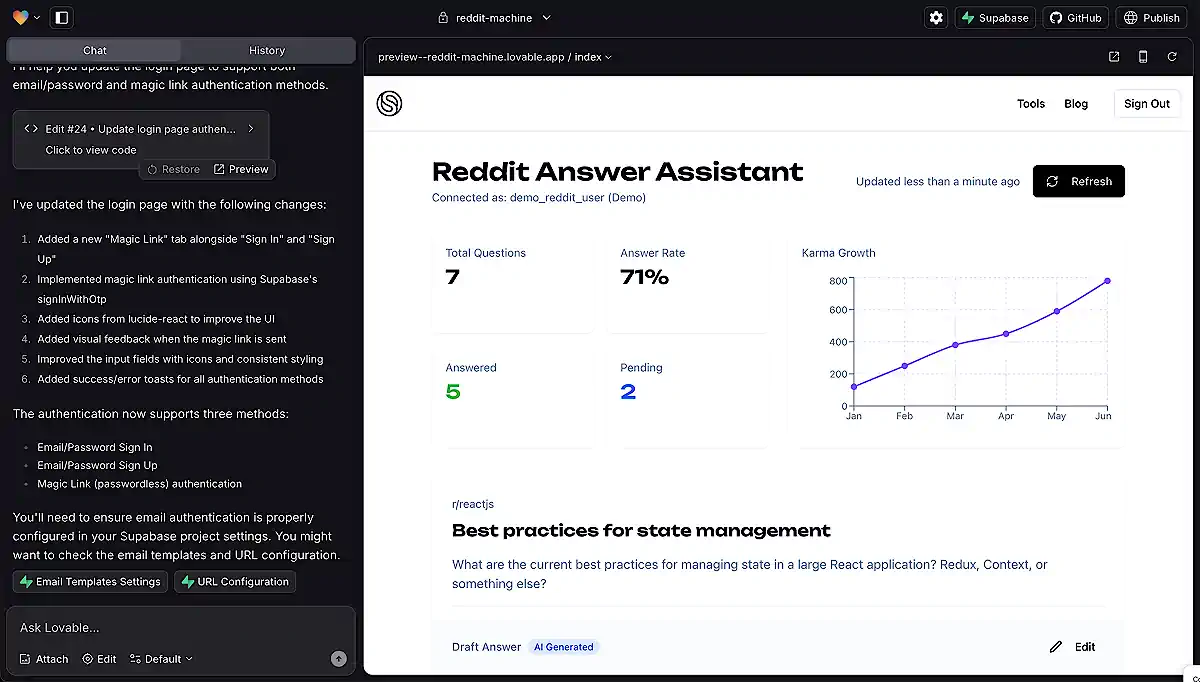
When you describe your idea (“Build me a CRM with deals, contacts, and activity logs”), Lovable generates:
This ability to export a real codebase is why Lovable is popular among developers who want to skip boilerplate setup but avoid being trapped in a no-code ecosystem.
Key highlights (from original article, expanded):
What’s New in Lovable 2.0?
In mid-2025, Lovable released Lovable 2.0, introducing major upgrades that significantly improved the developer experience:
1. Chat mode (agent-powered editing)
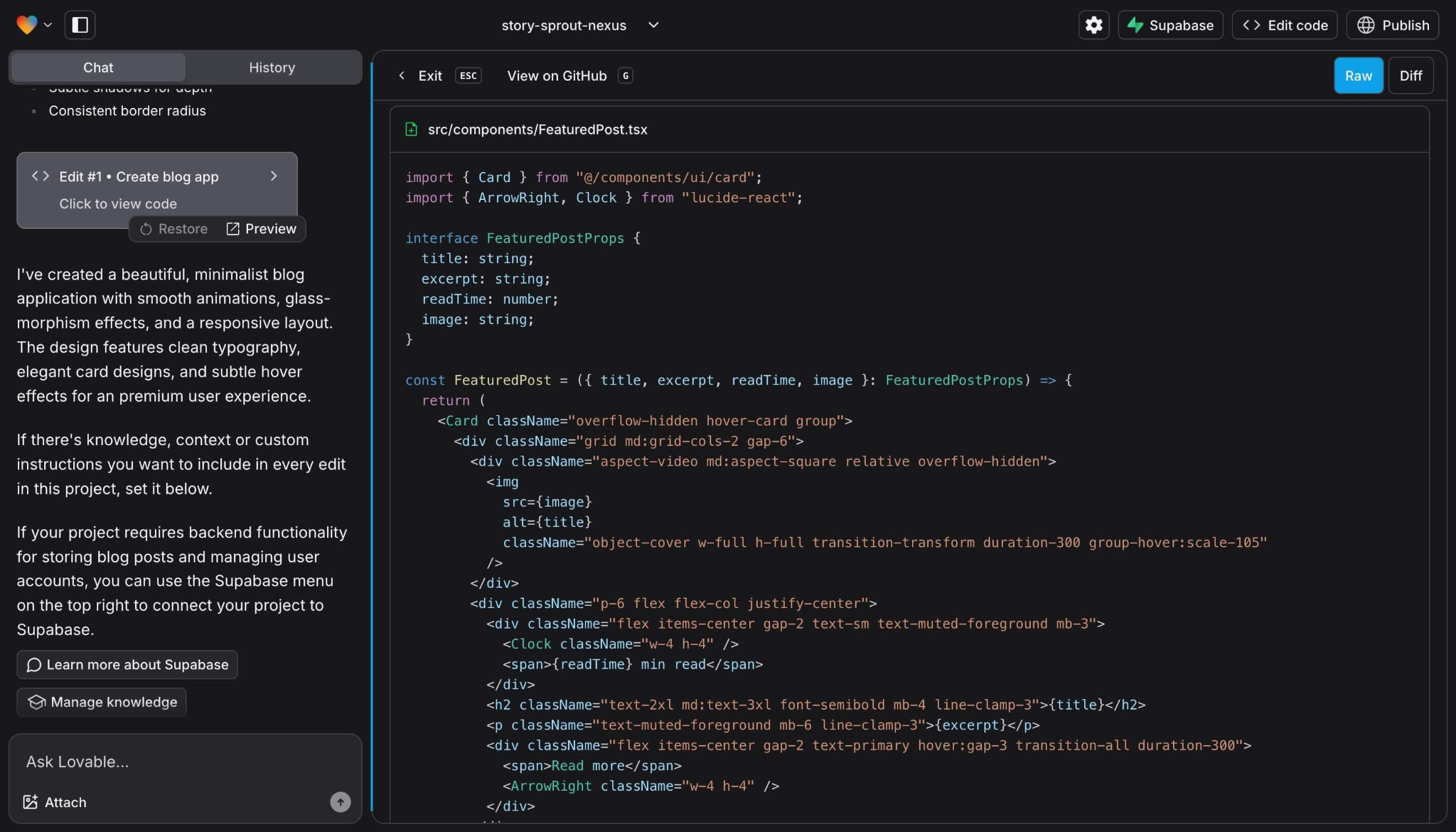
Lovable’s new Chat Mode behaves like a structured development agent:
This replaces the brittle, one-off edits that users struggled with in earlier versions.
2. Multiplayer development
Multiple collaborators can now work inside the same Lovable project – useful for:
3. Security scanning & abuse prevention
After security researchers discovered phishing actors misusing Lovable-hosted sites (Feb–Jun 2025), Lovable implemented:
4. Better layout engine
UI control – previously a major complaint – is moderately improved:
It’s still not a replacement for a visual UI builder, but 2.0 fixes some of the frustration.
How Lovable Works (Step-by-Step)
This core flow from your original article is preserved and expanded:
Step 1: describe your project
You sign in and see a prompt field:
“Ask Lovable to create an…”
You type something like:
“Build a multi-tenant project management app with Kanban boards, user roles, and PostgreSQL.”
Lovable parses the request and builds a conceptual plan.
Step 2: initial code generation
Lovable generates:
A live preview appears on the right side.
Step 3: customize via chat
You can ask:
Lovable applies updates across multiple files using Chat Mode.
Step 4: publish or export
You can:
This hybrid model (AI generation + real code) differentiates it from typical no-code platforms.
Use Cases for Lovable AI
Great fit for:
✔ Freelancers building MVPs fast
✔ Startup founders validating concepts
✔ Frontend devs who want backend scaffolding
✔ Internal dashboards and operational tools
✔ Agencies doing rapid prototyping
Not ideal for:
✖ Completely non-technical users
✖ Highly custom backend architectures
✖ Complex enterprise-scale systems
✖ Projects requiring fine-tuned UI control
Limitations of Lovable
1. Pricing + Credit Consumption Can Escalate Quickly
Across Reddit, this is the #1 complaint.
“I love the product… The problem is the pricing model.
Three or four times today I found myself looking at my credit spent as I try, over and over, to get Lovable to do what I want.” (Reddit discussion)
“It’s great to spin up a project… But terrible once the project grows. Too expensive, and it’s easy to get lost in the changes it makes – sometimes breaking other stuff.” (Reddit discussion)
Bottom line: A single Pro plan might be affordable, but heavy iteration burns credits fast.
2. Refactors sometimes break other components
This point from your original article remains true.
3. Limited visual control compared to low-code tools
Even Lovable 2.0 doesn’t replace:
For visually refined apps, teams often export to GitHub and continue in VS Code – or use a hybrid workflow with tools like UI Bakery AI Agent for UI-driven refinement.
4. Debugging AI-generated code is still hard
Common issues:
This is expected in all AI-generated codebases, not just Lovable.
Comments