

Input and Output in Python
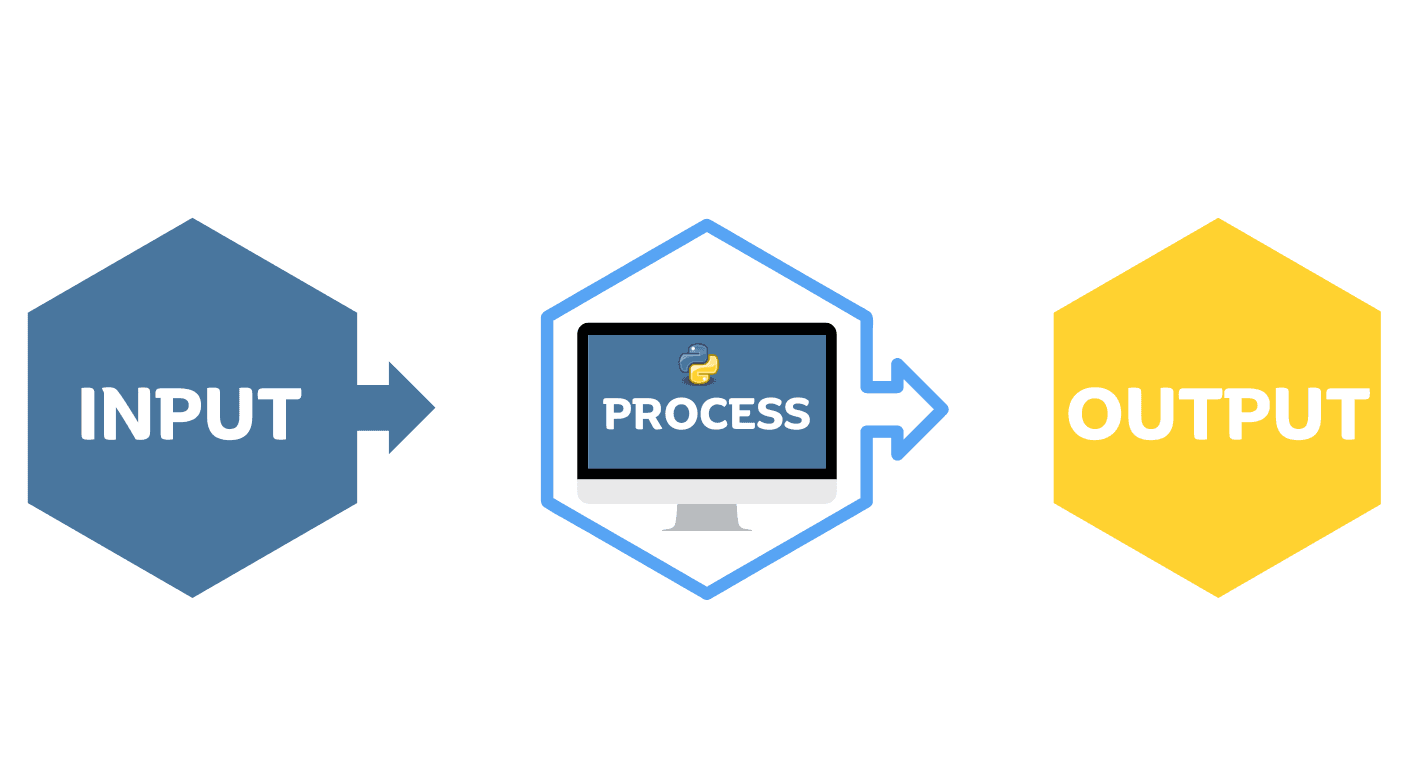
When working with Python, we often need to get information from the user and display a result. Python makes this simple with two functions: input() for taking input and print() for showing output.
Taking Input with input()
The input() function allows the user to enter information while the program is running.
name = input("Enter your name: ")
print("Hello", name)
Output:
Enter your name: Vishnu
Hello Vishnu
By default, input() stores the entered value as a string.
Basic Syntax
variable = input("Enter something: ")
For example:
age = input("Enter your age: ")
print("Your age is", age)
Even though the user enters 21 ,Python treats it as a string.
Printing Output with print()
The print() function is used to display text, numbers, variables, or calculations on the screen.
print("Hello, World!")
Output:
Hello, World!
We can also print multiple values together:
name = "Vishnu"
age = 21
city = "Hyderabad"

print(name, age, city)
Output:
Vishnu 21 Hyderabad
Taking Multiple Inputs
We can take multiple values in one line using split().
name, city = input("Enter your name and city: ").split()

print("Name:", name)
print("City:", city)
Output:
Enter your name and city: Vishnu Hyderabad
Name: Vishnu
City: Hyderabad
The split() method separates the values entered by the user.
Taking Numbers as Input
Since input() returns a string, we need type casting when working with numbers.
For integers, use int():
age = int(input("Enter your age: "))
print("Your age is", age)
For decimal numbers, use float():
price = float(input("Enter the price: "))
print("Price:", price)
Common conversions include:
int()    → Integer
float()  → Decimal number
str()    → String
Simple Input and Output Example
Here is a small program using both functions:
name = input("Enter your name: ")
age = int(input("Enter your age: "))

print("Hello", name)
print("You are", age, "years old.")
Output:
Enter your name: Vishnu
Enter your age: 21
Hello Vishnu
You are 21 years old.
input() vs print()
| Function | Use |
|---|---|
input() | Takes information from the user |
print() | Displays information on the screen |
In simple words, input() gets information, while print() shows information. These two functions are some of the first and most useful concepts to learn when starting Python.
Comments