

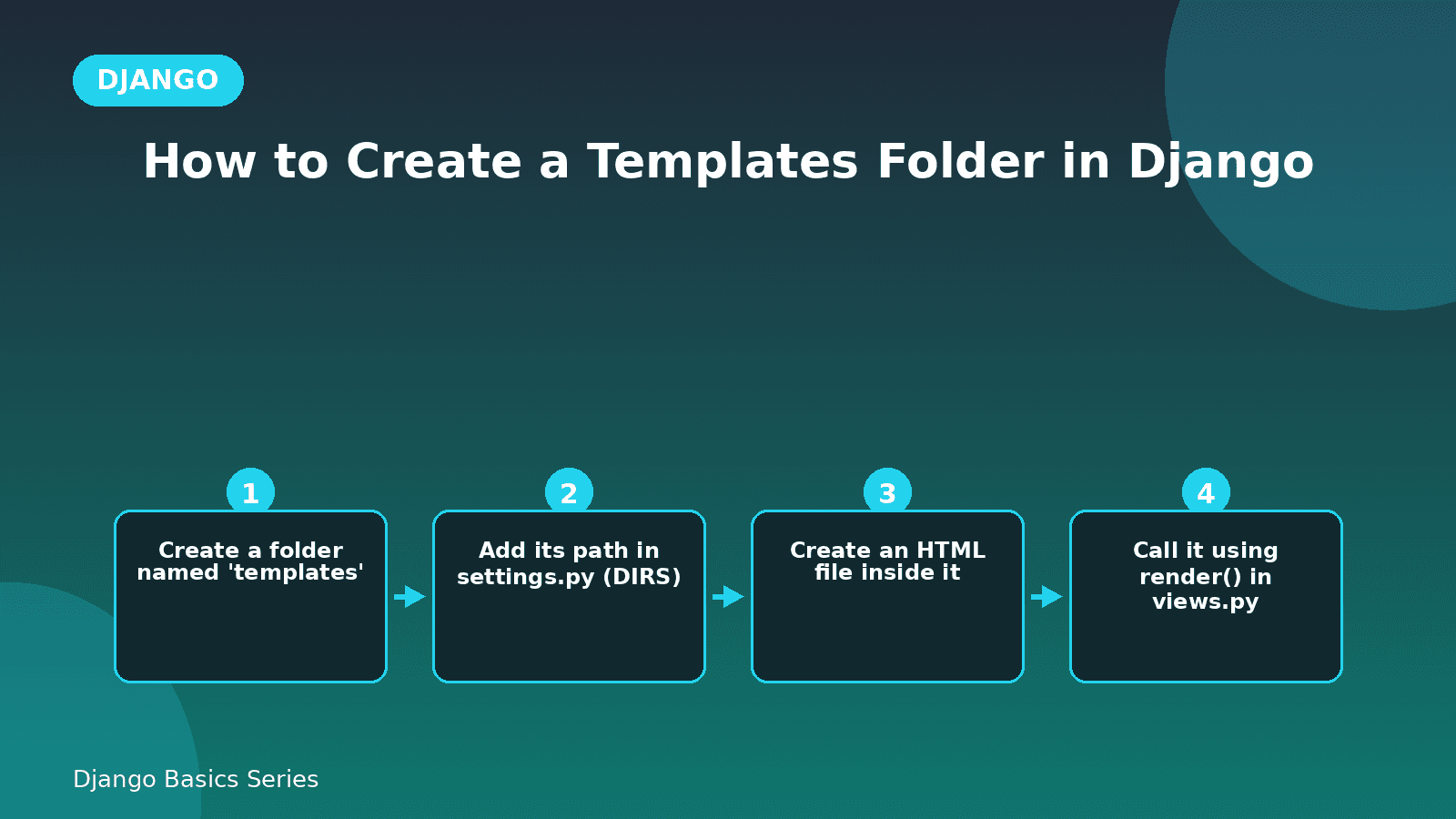
How to Create a Templates Folder in Django
Before getting to know how to create the template folder let us know what is a templates folder.
What is a template folder?
In Django, HTML and python files are not kept in a same file Because Django follows a pattern where python code and HTML code kept separate and also if they kept in a same file then it will be a whole messy code and for understanding the code it will be very difficult task so for that reasons a separate folder is created for the HTML files are named as templates.
Steps to create a templates folder
Step 1: Create the folder
Firstly go to project app folder and create a new folder named as templates.
myproject/
       templates/
Step 2: Now create a html file for example home.html in the template folder and write or insert some data inside the html file.
 myproject/
       templates/
                 home.html
Inserting data in home.html file
< !DOCTYPE html >
<html>
<head>
      <title>My portfolio </title>
</head>
<body>
      <h1>Welcome to my portfolio </h1>
</body>
</html>
Step 3: Telling Django where to find the HTML files
Open settings.py file in main project app and find the templates list, there is a key called DIRS and in that key add the path of the templates folder.
TEMPLATES = [
    {
        'BACKEND': 'django.template.backends.django.DjangoTemplates',
        'DIRS': [BASE_DIR / 'templates'],
        'APP_DIRS': True,
        'OPTIONS': {
            'context_processors': [
                'django.template.context_processors.request',
                'django.contrib.auth.context_processors.auth',
                'django.contrib.messages.context_processors.messages',
            ],
        },
    },
]
This BASE_DIR / ‘templates’ tells to Django that “look inside this folder for HTML files”.
Step 4: Use it in view
Now in the views.py we can call this file.
from django.shortcuts import render

def home(request):
    return render(request, 'home.html')
That's it Django will now search inside the templates folder and find the home.html file and show it to the user.
Quick Recap
- Templates folder holds all the HTML files.
- We tell to Django about the templates path in settings.py under DIRS.
- We use render() in views.py to display the HTML page.
Comments