

#sql
FULL JOIN
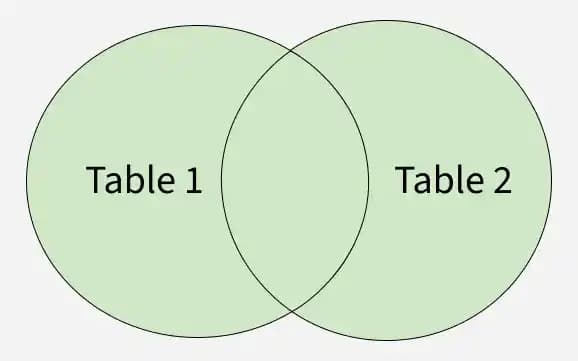
The FULL JOIN (or FULL OUTER JOIN) in SQL returns all rows from both tables, combining matched rows and filling unmatched rows with NULL values. It is basically the combination of LEFT JOIN and RIGHT JOIN.
- Returning all rows from both tables.
- Showing matching records from each table.
- Displaying NULL values where no match exists in either table.
- Providing complete data from both sides of the join.
Synatax
SELECT columns
FROM table1
FULL JOIN table2
ON table1.column = table2.column;
Example
Consider two tables:
Employees Table

Departments Table

Now, we perform a FULL JOIN between employees and departments:
SELECT employees.emp_id, employees.emp_name, departments.dept_name
FROM employees
FULL JOIN departments
ON employees.dept_id = departments.dept_id;
Result:

Explanation:
- Matched Rows: Aman and Shreya have matching department IDs (101 and 102), so their respective dept_name is displayed.
- Employees Without Departments: Janet and Harshada have NULL as their dept_id, so dept_name is NULL.
- Departments Without Employees: The IT department (dept_id = 103) has no employees, so emp_id and emp_name are NULL.
Comments