

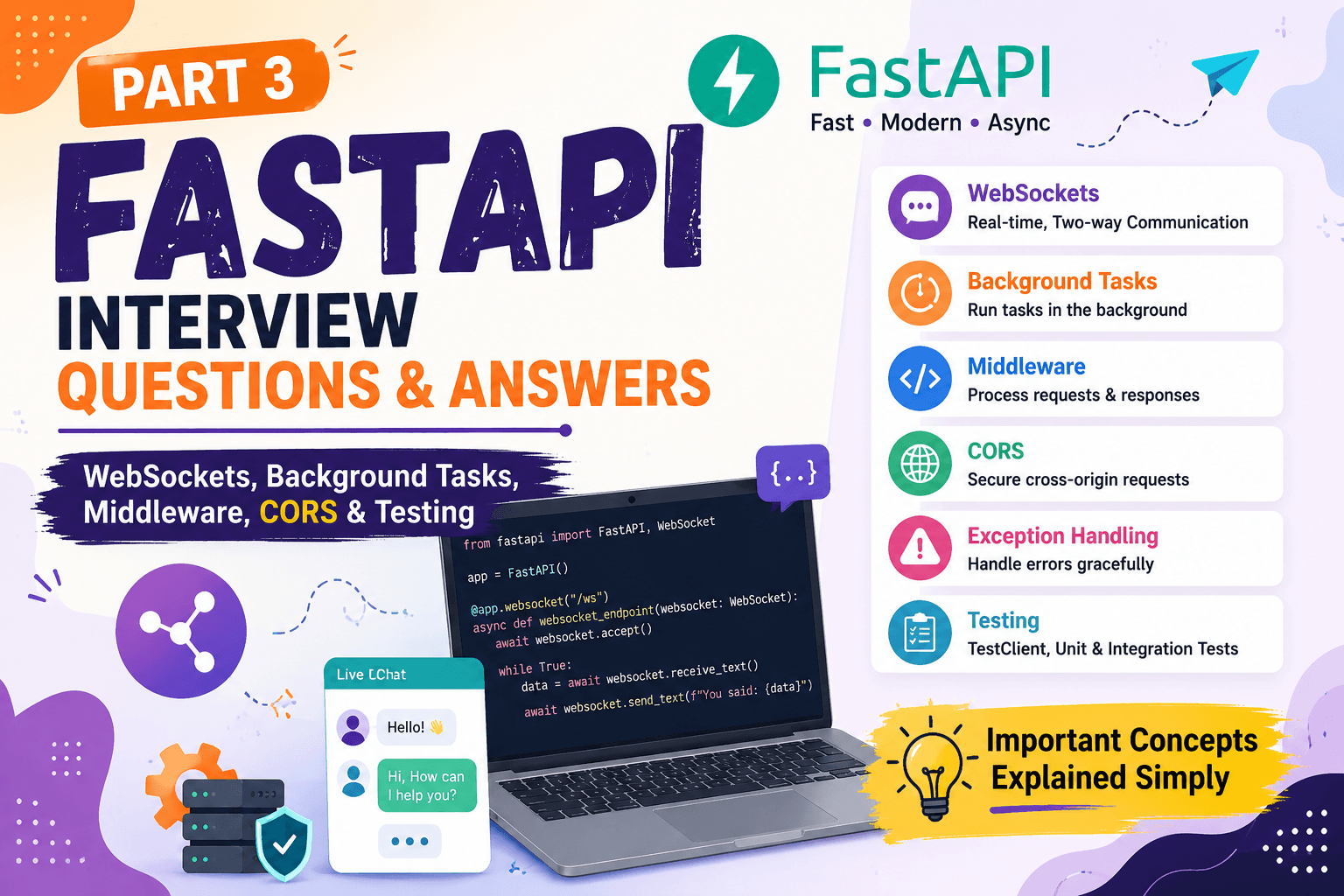
FastAPI Interview Questions and Answers: Part 3 — WebSockets, Background Tasks, Middleware, CORS & Testing
FastAPI Interview Questions and Answers: Part 3 — WebSockets, Background Tasks, Middleware, CORS & Testing
After learning FastAPI fundamentals, Pydantic validation, asynchronous programming, and Dependency Injection, the next step is to understand how FastAPI handles real-time communication, background work, middleware, cross-origin requests, errors, and testing.
These topics are important because they appear when we start building APIs that behave more like real-world applications rather than simple CRUD APIs. The question sets you provided specifically cover WebSockets, background tasks, middleware, CORS, exception handling, and testing.
1. Explain the concept of WebSockets and their use cases.
Normally, communication between a browser and an API works like this:
The client asks something, and the server sends a response.
But imagine a chat application.
If your friend sends you a message, you don't want your browser to keep asking the server every second:
That would waste resources.
WebSockets solve this problem.
A WebSocket creates a long-lived connection between the client and server.
Both sides can send messages whenever they need to.
This is called full-duplex communication.
Common WebSocket use cases
WebSockets are useful for applications that need real-time communication, such as:
- Chat applications
- Online games
- Live notifications
- Real-time dashboards
- Live stock or crypto prices
- Collaborative applications
Simple example
Imagine a live cricket score application.
With normal HTTP:
With WebSocket:
The server can send updates as they happen.
So:
HTTP is usually request → response, while WebSocket allows continuous two-way communication between the client and server.
The source question set specifically identifies chat applications, online games, and real-time data visualization as common WebSocket use cases.
2. Demonstrate how to implement WebSockets in FastAPI.
FastAPI provides the WebSocket class and the @app.websocket() decorator.
A simple example:
Let's understand what happens here.
Step 1 — Create a WebSocket endpoint
This tells FastAPI that /ws is a WebSocket endpoint.
Step 2 — Accept the connection
The server accepts the WebSocket connection.
Step 3 — Receive a message
The server waits for a message from the client.
Step 4 — Send a message
The server sends a message back.
Step 5 — Handle disconnection
If the client closes the connection, the server can handle that situation.
The basic flow is:
FastAPI's WebSocket support uses the underlying Starlette WebSocket functionality.
3. Discuss challenges and best practices for WebSocket development.
Creating a WebSocket is easy.
Building a reliable WebSocket system is harder.
There are several things we need to think about.
1. Connection handling
A client can disconnect at any time.
For example:
The server should handle this properly instead of crashing.
2. Error handling
Messages can be invalid or unexpected.
For example, the client might send:
when the server expects something else.
The server should validate and handle such cases.
3. Scalability
Imagine:
It's easy to manage.
But imagine:
Now connection management becomes much more difficult.
In distributed systems, you may need additional infrastructure such as a message broker or shared state so that multiple application instances can communicate correctly.
4. Security
WebSocket connections also need authentication and authorization where appropriate.
You should not assume that because the connection is a WebSocket, it is automatically secure.
5. Connection cleanup
When users disconnect, their connections and related resources should be cleaned up.
Otherwise, the application may waste memory and other resources.
So the important idea is:
A WebSocket application needs proper connection management, error handling, security, and scalability planning.
The source material also highlights error handling, scalability, and security as key WebSocket concerns.
4. Explain background tasks and their use cases.
Sometimes an API receives a request and needs to perform some extra work that the user doesn't need to wait for.
For example:
The user doesn't necessarily need to sit and wait for the email to be sent before receiving the response.
That extra work can be performed as a background task.
Common use cases
Background tasks can be useful for:
- Sending emails
- Sending notifications
- Processing small amounts of data
- Writing logs
- Triggering follow-up work
For example:
FastAPI provides BackgroundTasks for this purpose.
The important idea is:
Background tasks allow certain work to happen after the response-related processing has been completed, so the client doesn't have to wait for that work.
The provided question set specifically lists email sending, data processing, and periodic updates as examples.
5. Demonstrate how to create background tasks using FastAPI.
FastAPI provides BackgroundTasks.
Example:
Let's understand it.
The client sends:
The endpoint receives the email address.
Then:
adds the function to the background task list.
The API can return:
The email function runs as a background task.
Important limitation
BackgroundTasks is useful for relatively simple work that can happen after the response.
It is not a replacement for a full distributed task queue.
If you have a huge video-processing job, millions of records to process, or tasks that must survive application crashes and be retried reliably, you would normally look at a dedicated task queue system.
So remember:
Small background work → FastAPI BackgroundTasks can be useful.
Heavy/reliable distributed jobs → Use a proper task-processing system.
6. What is middleware in FastAPI and how do you create custom middleware?
Imagine every request entering your application has to pass through a security checkpoint.
The checkpoint can inspect the request before allowing it to reach the actual endpoint.
After the endpoint finishes, the checkpoint can also inspect or modify the response.
That is roughly what middleware does.
Middleware can be useful for things such as:
- Logging
- Request timing
- Request tracking
- Authentication-related processing
- Adding response headers
- CORS
A simple custom middleware:
The important part is:
call_next() passes the request to the next part of the application, eventually reaching the endpoint.
After the endpoint produces a response, the middleware gets control again.
So:
This makes middleware useful for cross-cutting concerns — logic that applies to many or all requests rather than one specific endpoint.
The provided source uses request timing as an example of custom middleware.
7. How do you implement CORS (Cross-Origin Resource Sharing) in FastAPI?
Imagine your frontend is running at:
and your FastAPI backend is running at:
These are different origins.
The browser applies security rules to requests between different origins.
CORS tells the browser which origins are allowed to communicate with your API.
FastAPI provides CORSMiddleware.
Example:
Here:
specifies which frontend origins are allowed.
Why not always use this?
It allows requests from any origin and may be too permissive for a production application.
In a real project, it is usually better to specify the origins that actually need access.
For example:
So:
CORS is mainly a browser security mechanism that controls which origins can make cross-origin requests to your API.
This becomes especially important when connecting a React frontend with a FastAPI backend. The source material specifically covers CORSMiddleware, allowed origins, methods, and headers.
8. How do you handle errors and exceptions in FastAPI? Explain HTTPException.
Imagine your API receives:
But user 9999 doesn't exist.
Instead of returning a successful response, the API should tell the client that the resource wasn't found.
FastAPI provides HTTPException for this.
Example:
If the user doesn't exist, the API can return:
with:
Why use HTTPException?
Because APIs need to communicate failures clearly.
For example:
HTTPException lets us specify:
So the client can understand what went wrong.
FastAPI can also support custom exception handlers when an application needs a consistent error format across many endpoints.
9. How do you write tests for FastAPI applications using TestClient?
Suppose you created this API:
How do you know it actually works?
You could manually open the browser and check.
But doing that every time is slow.
Instead, we can write an automated test.
FastAPI provides TestClient for testing API endpoints.
Example:
Let's understand it.
Step 1
creates a test client for the FastAPI application.
Step 2
simulates a GET request.
Step 3
checks whether the API returned the expected status code.
Step 4
checks whether the returned data is correct.
So instead of manually testing the API every time:
The source question set specifically recommends TestClient for simulating requests and checking status codes and responses.
10. What is the difference between unit testing and integration testing in FastAPI?
This is an important interview question because both types of testing check different things.
Unit testing
A unit test focuses on a small piece of code.
For example:
We test whether that one function gives the correct result.
Integration testing
Integration testing checks whether multiple parts work together correctly.
For example:
We want to know whether the complete flow works.
FastAPI example
Suppose we have:
A unit test might test only the business logic:
An integration test might test:
Why do we need both?
Imagine your individual pieces work perfectly:
But they don't communicate correctly.
The application can still fail.
That's why integration testing is important.
Simple comparison
| Unit Testing | Integration Testing |
|---|---|
| Tests a small piece | Tests multiple components together |
| Faster | Usually slower |
| Finds logic errors | Finds communication/integration problems |
| Example: function | Example: API + database |
The provided question set includes both unit and integration testing and also highlights test coverage, test isolation, automation, and continuous integration as testing practices.
The Bigger Picture
At the end of Part 1, we understood the basics.
Part 2 showed us how FastAPI handles:
Now Part 3 adds another layer:
These concepts become important when an API moves beyond simple CRUD operations and starts behaving like a real application.
What comes next?
The next part moves into one of the most important areas of backend development:
Authentication → Authorization → OAuth2 → JWT → Password Hashing → Protected Routes → Database Sessions → SQLAlchemy → Security.
That is where FastAPI interview questions start becoming much closer to real-world backend development. The source question sets also place OAuth2, security features, JWT authentication, and database connection management among the deeper FastAPI topics.
Comments