

Creation and using of Static files
A webpage is not only made up of HTML. we need to use CSS to design the page and JavaScript to add functionality and images to make website more attractive and for all of this Django provides a system for managing these files called as static files.
What are Static files?
Static files is said to be as this files don't changes things like CSS files, Java script files and images because they doesn't process them like HTML it directly send to browser as they are written in the files.
Why we keep them separate?
As we know that we keep all the html files of project in templates, same as to keep all the CSS, JavaScript files and images in the static folder in an organized way to not get messy type code and we can understand the code in easy way. So now let us know how to step up the static files in step by step process.
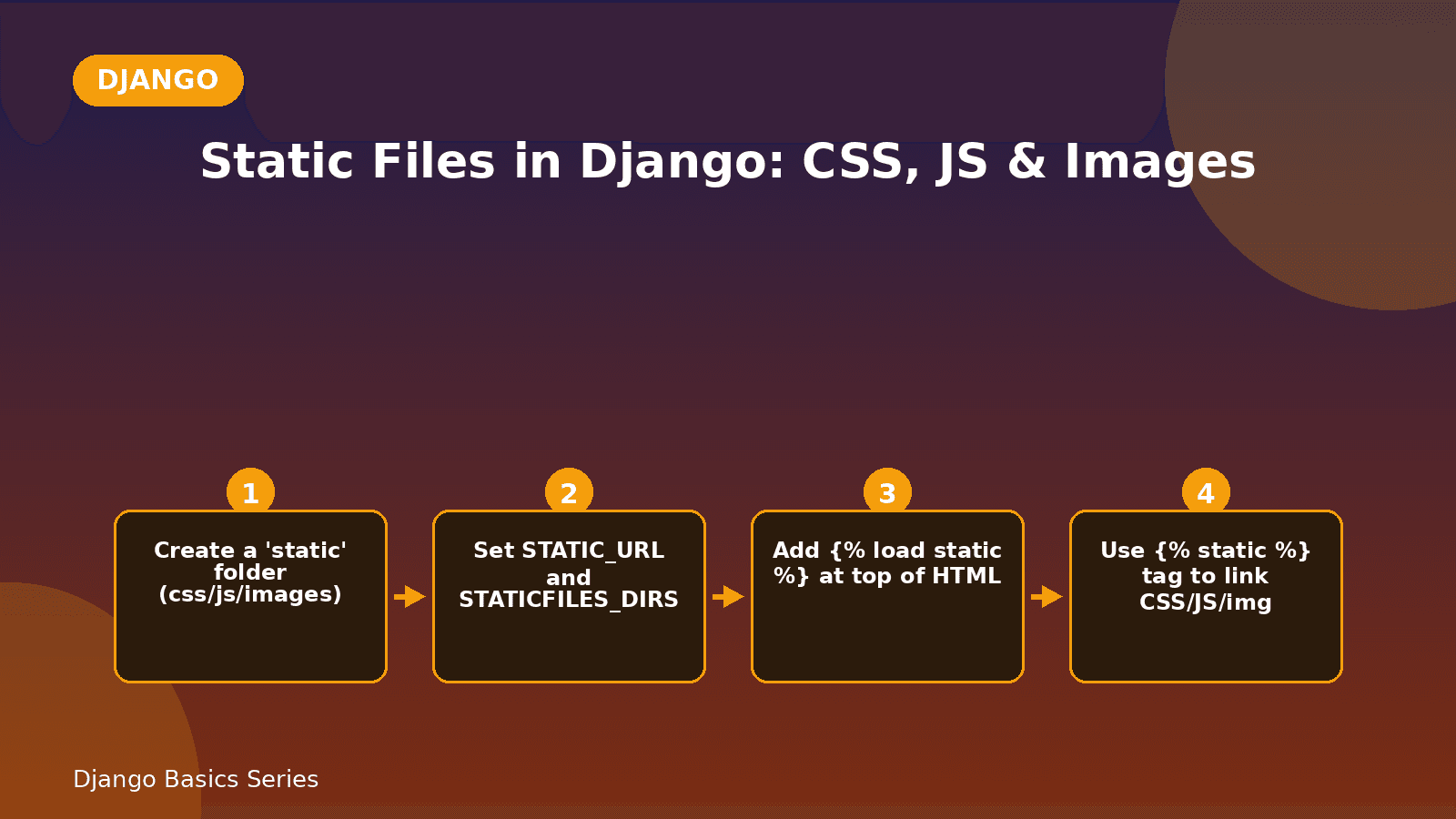
Steps to set up static files
Step 1: Create a Static folder
In the inside of project app create a new folder named as static.
myproject/
      static/
          css/
          js/
          images/
Here we created static folder inside the project app and given the CSS, JS files and images in it.
And give data to the CSS file named as style.css
body {
     font-family: Arial, sans-serif;
}
h1 {
    color: blue;
}
p {
   font-size: 20px;
}
Step 2: Add settings in settings.py
Open the settings.py in the mother app and check for this line
STATIC_URL = 'static/'And now also add this one also because of add this Django will get to know where is our static folder is present
STATICFILES_DIRS = [
    BASE_DIR / 'STATIC',
]
Step 3: load static files in HTML
At the top of the HTML file, we have to write this line.
{% load static %}We write this line on the top of the HTML file because if we won't write it then CSS or images or nothing will load so it is very important to write it.
Then link the CSS file in the html like this:
<link rel="stylesheet" href="{%static 'css/style.css' %}">This Django says that go find the style.css file inside the static folder and apply it here. This {% static %} can only works when we write {%load static %} on the first line of the HTMLfile.
What about the images?
Put an image inside the static/images/image.png, then use it like:
<img src="{% static 'images/image.png'%}" alt="image">Quick Recap
- Static files means having CSS, JS files and images.
- Keeping it inside a static folder.
- set STATIC_URL and STATICFILES_DIRS in settings.py.
- Remeber to use {% load static %} in HTML before using {% static %}.
Comments